
Getting started
You can start contributing in under a minute. No account required.
Open the editor
Section titled “Open the editor”On any route or event page, look for the Edit link. It takes you straight to the editor for that page.
You can also go directly to the admin area to see all routes and events.
Choose how to sign in
Section titled “Choose how to sign in”When you open the editor for the first time, you’ll see three options:
- Continue as guest — Start editing immediately. You’ll get a random pseudonym (like “Friendly Otter”). Your edits go live right away.
- Create account — Register with a passkey. Your name appears on your contributions and in the edit history.
- Sign in — If you already have an account, sign in with your passkey.
Make your first edit
Section titled “Make your first edit”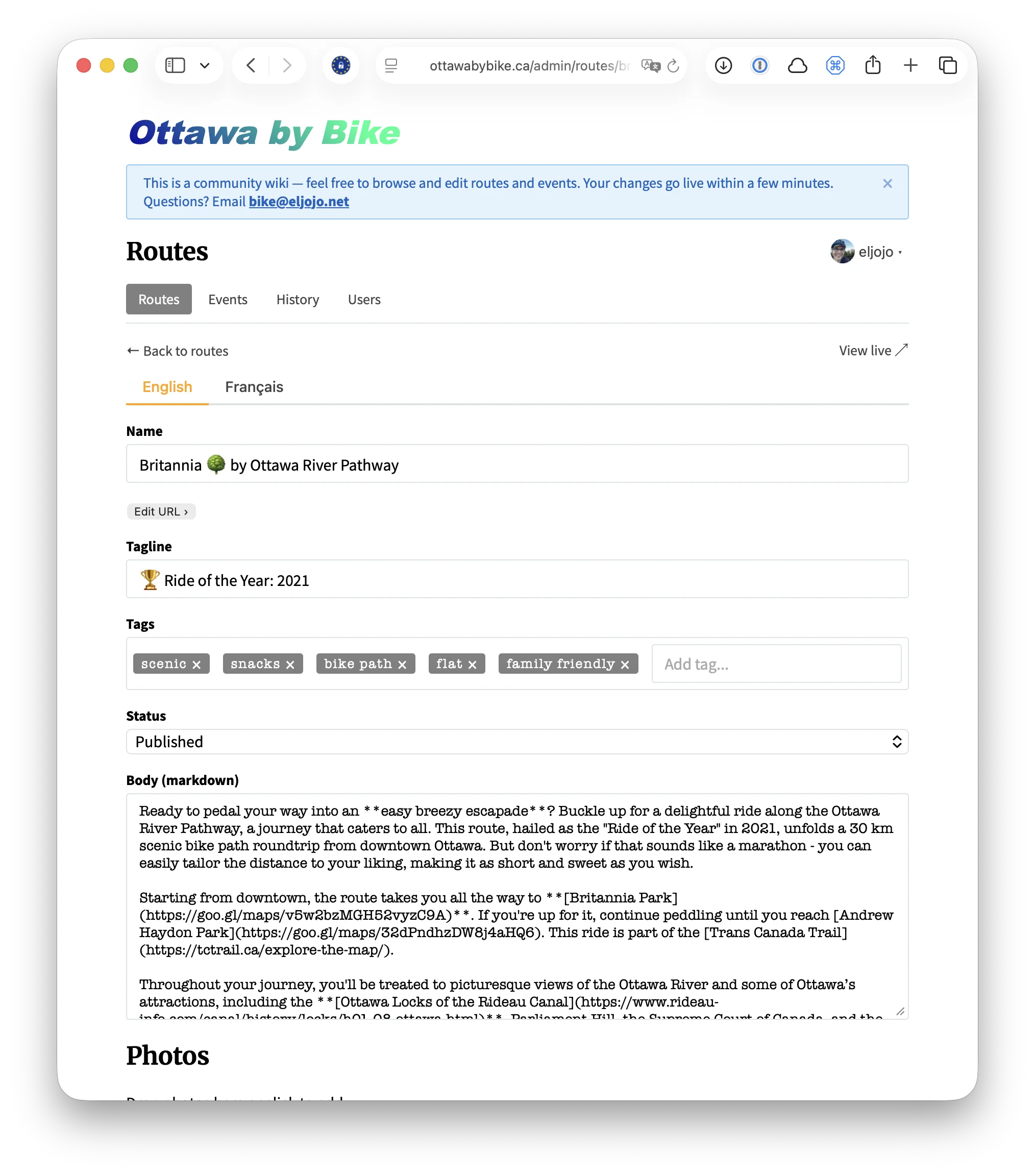
Once you’re in, you’ll see the editor for the route or event you chose. Try something small:
- Fix a typo in a description
- Add a tag to a route
- Update an event date
When you’re done, hit Save. Your changes will be live on the site within a few minutes.
Understand roles
Section titled “Understand roles”There are three levels of access:
| Role | What you can do |
|---|---|
| Guest | Edit content, upload photos, add routes and events |
| Editor | Everything a guest can do, plus change route URLs |
| Admin | Everything, plus revert edits, manage users, and moderate content |
Most contributors are guests or editors. The tools are the same — admins just have additional moderation controls.
What happens when you save
Section titled “What happens when you save”Every save creates a permanent record in the site’s edit history. Your changes go live after the site rebuilds, usually within a few minutes. If something goes wrong, an admin can revert any change with one click.
This is the same model Wikipedia uses: open editing, community oversight.